How to Scale AI-Generated Designs and Motion Graphics With Brand-Controlled Automation
AI is transforming the creative landscape, helping designers turn ideas into static designs and motion graphics faster and making more ambitious creative work accessible for everyday campaigns.
Yet creating the first asset is just the start.
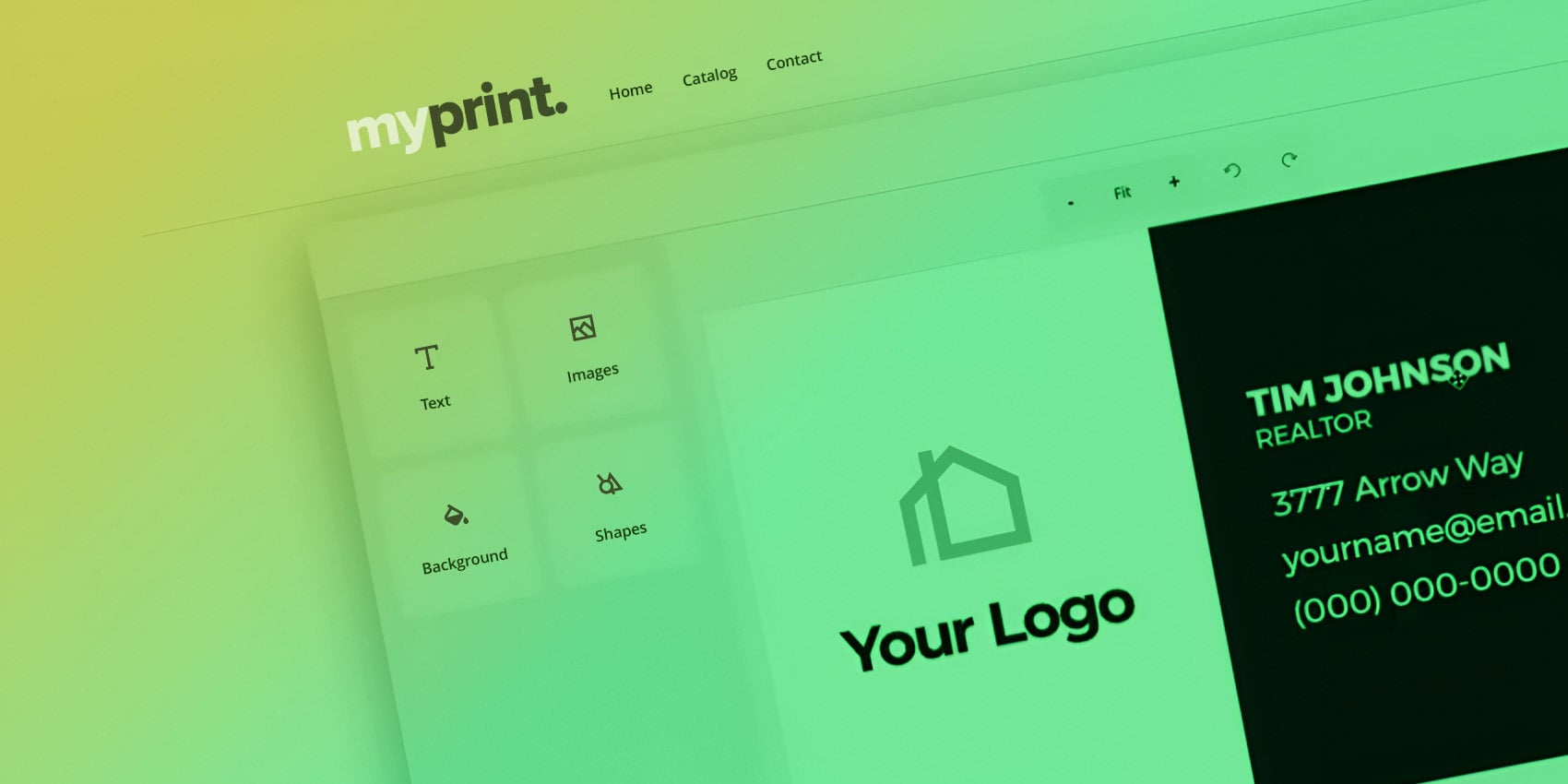
For distributed teams, including franchise networks, real estate brokerages, and multi-location businesses, a single design or motion graphic may need hundreds of versions with different prices, addresses, or offers. And each asset is just one piece of a larger campaign.
Creating every variation with generative AI consumes additional credits and risks changing approved layouts or core brand elements. The time saved on the first asset can quickly become time spent checking and correcting every version.
So how do teams build on AI’s creative possibilities while keeping every version on brand?
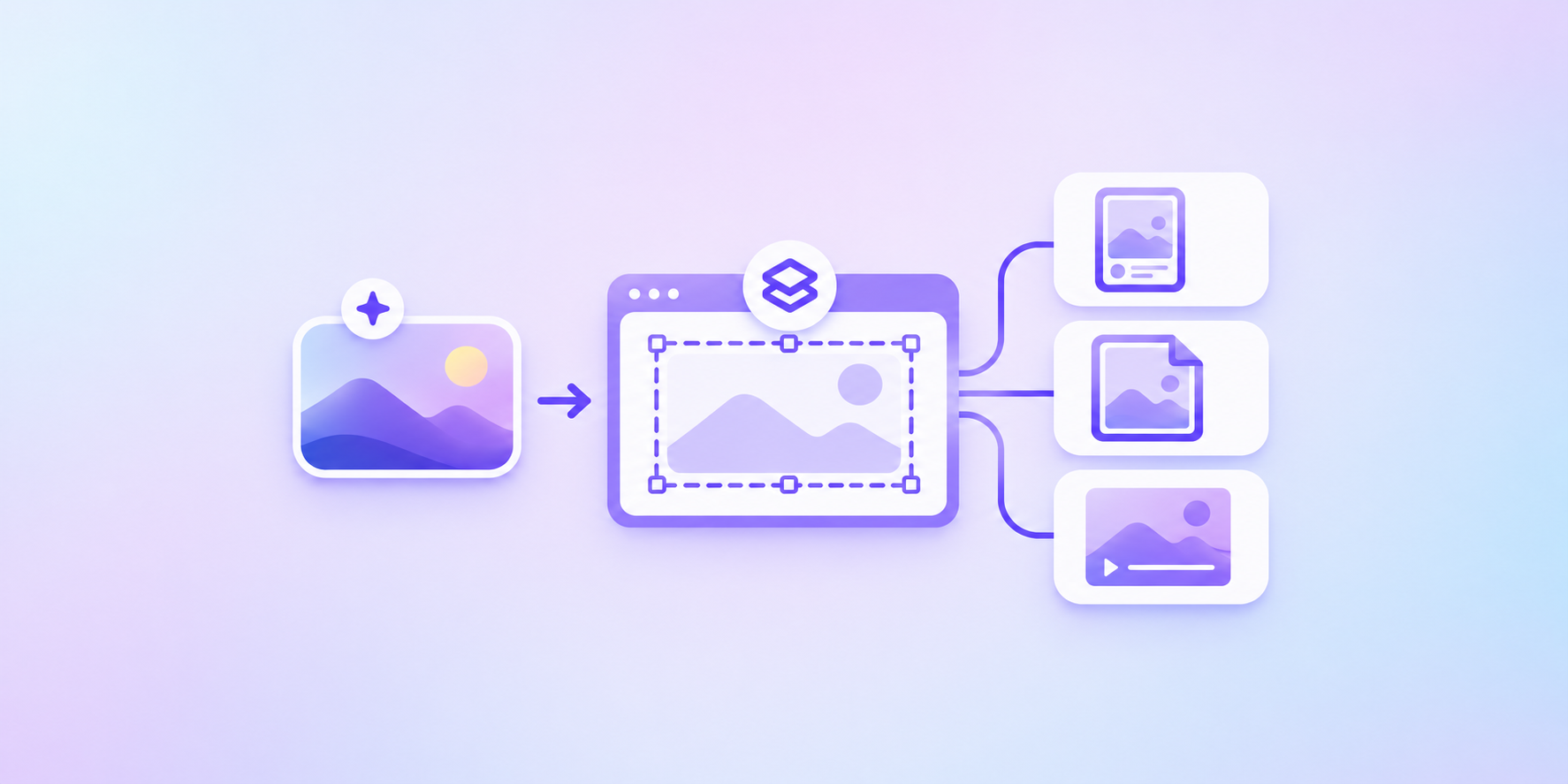
Turn approved designs and motion graphics into reusable templates. AI helps develop the initial creative, while brand-controlled automation personalizes designated content and preserves approved elements and production settings.
Let’s explore how these steps give designers a faster way to create and distributed teams a repeatable approach to scaling—all within one AI-powered workflow.
One AI-created campaign. Personalized at scale.
Imagine a coffee shop franchise launching a new fall drink across 1,000 locations nationwide. Headquarters uses AI to create a promotional flyer and a short motion graphic for digital signage. Designers refine and approve the creative, including the drink image, headline, campaign styling, and motion.
Now each store needs its own QR code, address, and promotional dates.
Should the design team ask AI to generate new flyers and motion graphics for all 1,000 locations?
They could.
But every new generation creates another chance for the layout to shift, the imagery to change, or the motion graphic to depart from the approved direction. Someone still has to review every version. Add multiple reviewers, each interpreting the brand guidelines slightly differently, and consistency becomes harder to maintain.
The time saved creating the original assets can turn into hours spent checking and correcting local variations. Meanwhile, repeated generations consume AI credits for changes a template could handle more cost-effectively.
Instead of generating every version again, use the approved creative with brand controls in place.
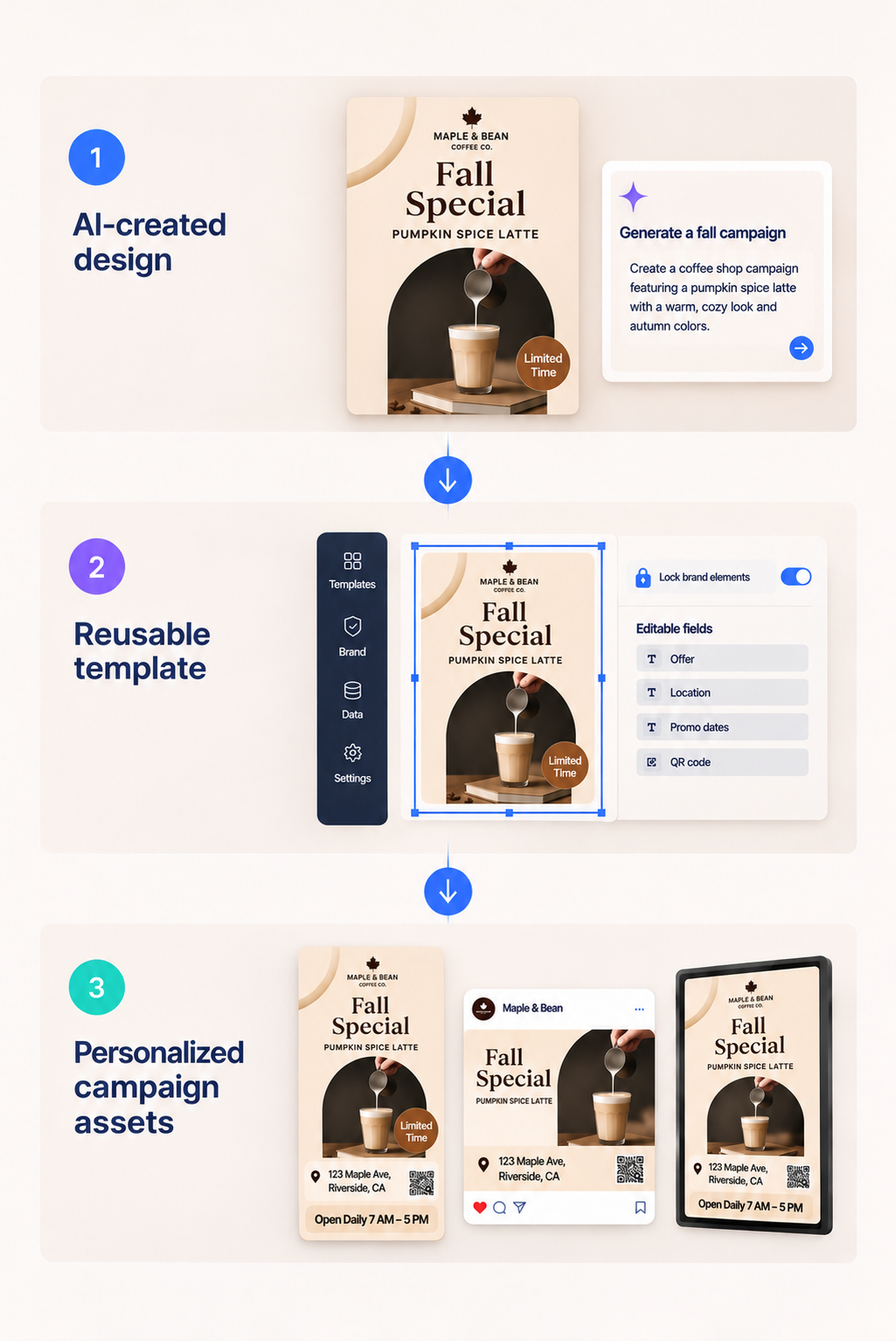
This is where generative AI meets deterministic automation through a creative automation platform like Design Huddle. AI helps designers develop the graphics and motion graphics. Design Huddle provides the template controls, brand governance, and automation to produce consistent, personalized versions.
The designer can import the approved flyer as a PDF and the motion graphics as a compatible Lottie file, then turn them into reusable templates. Protected brand elements stay in place, while designated fields automatically populate with each store’s price, address, and promotional dates.
Designers don’t have to rebuild the motion graphics for every location, and local teams don’t need specialist expertise to personalize them. The approved creative becomes reusable campaign content, with brand controls built into every local version.
Connect your AI assistant to template-based production
Your team started with AI to develop the campaign. Now, that same assistant can help bring the approved creative to life.
Design Huddle’s MCP Server gives AI assistants access to supported template and automation capabilities. With natural-language requests, users can carry out production tasks that connect AI-assisted creation with brand-controlled personalization.
For the coffee campaign, headquarters can ask the connected assistant to import the approved PDF flyer, apply a locking profile, or update template content. Once the flyer and compatible Lottie animation are set up as reusable templates, Design Huddle’s controls and location data provide the structure for producing personalized content.
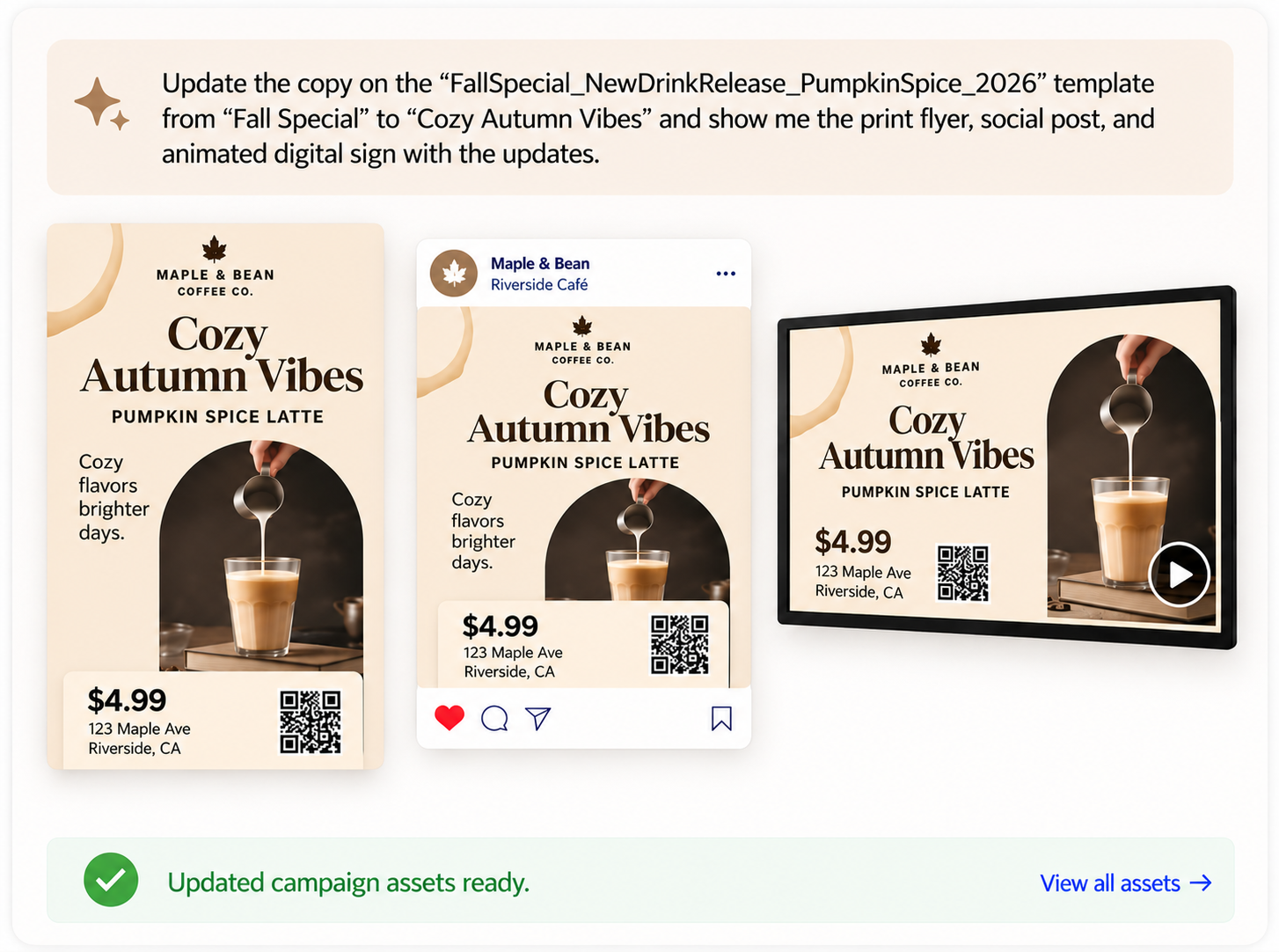
The assistant initiates supported actions. Design Huddle carries them out using the templates, editing rules, and output settings your team has configured.
That connection extends AI’s value beyond creating the first asset. It lets teams manage repeatable production through a familiar AI workflow, with built-in brand control.
The next step is getting that approved content into local teams’ hands—already personalized and ready for activation.
Templates tailored to every team member
A template gives users a starting point. Populating it with team, location, or agent-specific details brings them closer to finished content.
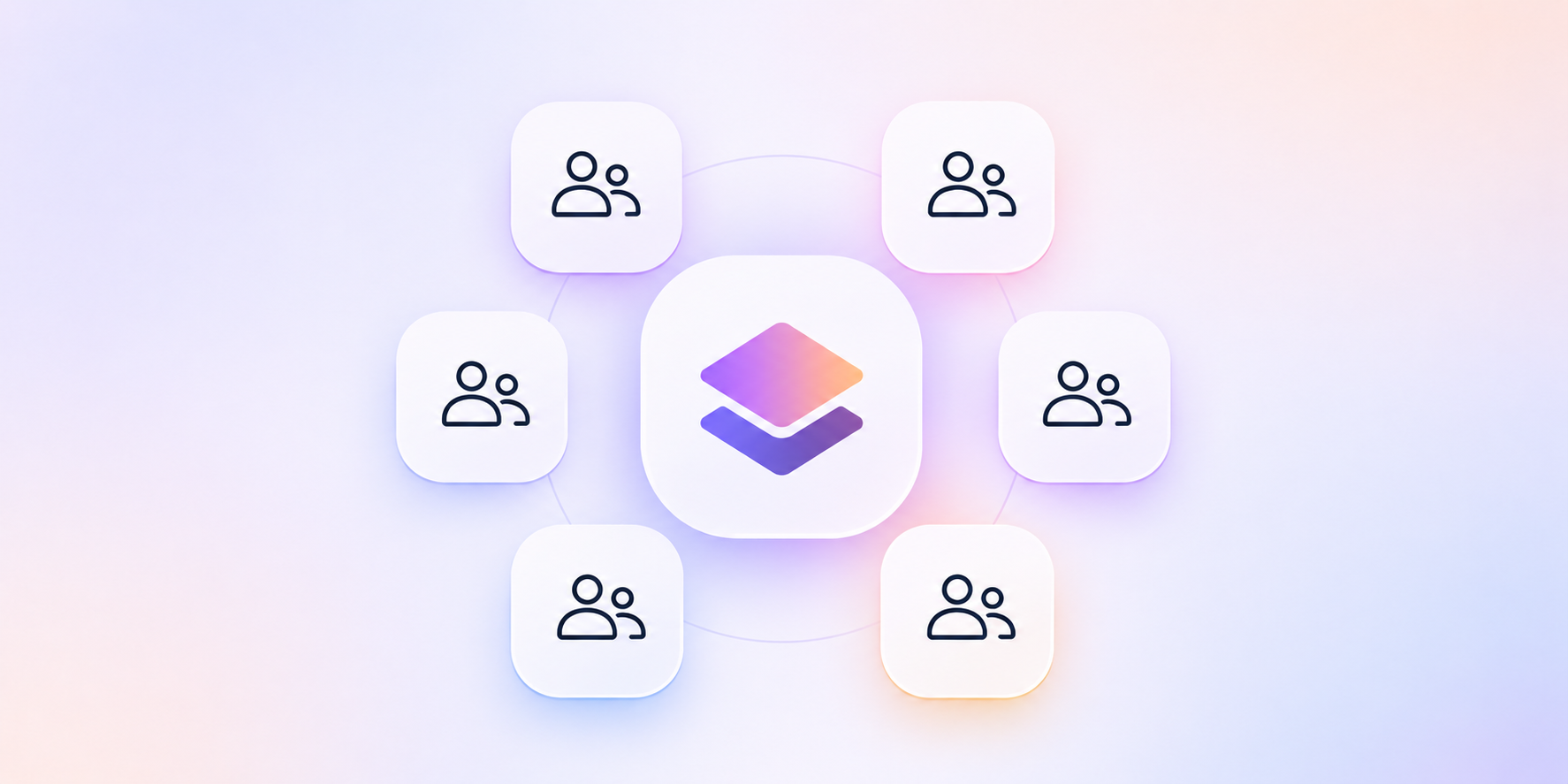
Design Huddle’s Smart Template Previews turn a template library into a personalized creative gallery. Distributed team members browse designs and motion graphics with their own address, contact information, and other relevant details already in place. Once they choose one, they can focus on the final edits and put the content to work faster.
In our coffee shop example, each store manager accesses fall campaign templates for social posts, animated digital signage, and print materials. Their location’s address, hours, and QR code populate designated fields. They can add a local event date or adjust an offer within the template’s editing options, then launch the promotion.
Personalizing the animations and videos doesn’t require learning motion design or asking a designer to produce another version.
Design Huddle combines content generation with controlled editing, so final changes happen within established brand guidelines. Distributed teams gain more independence, and corporate designers have additional time for new creative instead of routine updates to images and motion graphics.
Looks good on screen. But will it print?
The coffee campaign now spans animated screens, social content, and printed materials. Each format needs more than consistent branding; it also needs the right output settings.
Imagine promotional banners arriving at every location with the coffee franchise’s logo in the wrong shade of blue. The logo stayed in the right place, but its printed color still missed the brand standard.
One overlooked print setting just became a campaign-wide problem.
An AI-generated design, however polished, isn’t automatically print-ready, leaving design teams and their printers to bridge the gap. Low-resolution images, missing bleed, and incorrect color settings often lead to blurry graphics, unwanted white edges, and unexpected color shifts.
Connecting your AI-generated designs to Design Huddle brings print production into the workflow. You’re working with configured production settings rather than relying on a prompt to make the file print-ready.
Those controls include dimensions, bleed, crop marks, and color handling, with support for CMYK, spot colors, ICC profiles, and text-to-outline options. With suitable images and accurate content, these controls prepare designs for reliable print output.
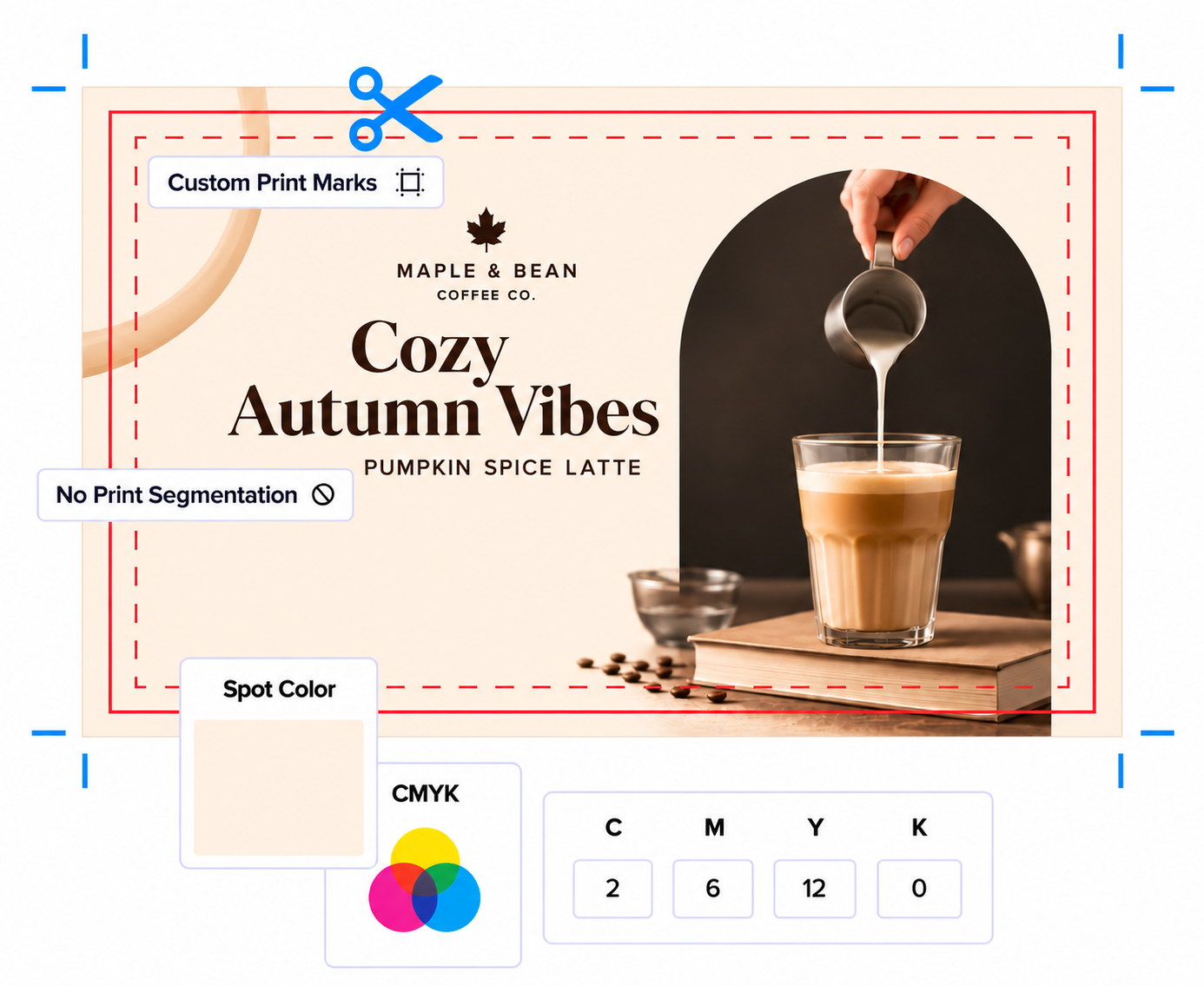
Source quality and printer specifications still matter, but file preparation becomes a repeatable process rather than a manual task for every personalized version.
AI designs and motion graphics at scale: Your questions answered
Does every version need a new design?
No. Reusable templates let you update designated text, images, and local details while preserving approved creative. Use AI to explore a new direction when the campaign calls for one, and template-based automation to personalize an approved design or motion graphic.
What’s the difference between generative AI and deterministic automation?
Generative AI creates a new, unique output each time, whether it’s an image, motion graphic, or piece of copy. Deterministic automation follows defined rules to produce predictable results. It personalizes approved templates by changing designated details, such as offers, addresses, or dates, without recreating the underlying design or motion graphic.
Which is more cost-effective at scale: generative AI or deterministic automation?
Generating every personalized version with AI can quickly eat through AI credits. Deterministic automation uses one approved template and defined rules to produce variations without using AI credits for each output, making it more affordable at scale.
How can AI help maintain brand consistency?
AI can help maintain brand consistency by working with approved templates through a connected platform such as Design Huddle. Using its MCP Server, a compatible AI assistant can import a supported AI-generated design, turn it into a reusable template, and apply locking profiles that protect logos, fonts, colors, and other brand elements. Teams can then personalize designated elements while keeping the approved brand controls in place.
How does AI make motion graphics easier for designers?
AI-assisted tools let designers describe movement in natural language and generate motion graphics, reducing the manual work needed to bring ideas to life. Designers still guide the concept, refine the result, and approve the creative.
Can AI-created motion graphics become editable templates?
Yes, when the motion graphic is exported in a Lottie format compatible with Design Huddle. Designers can import it, configure supported editable elements, and apply controls so users can personalize the content without rebuilding the motion graphic.
What should local teams be able to edit?
Give them control over information they need to keep relevant, such as local offers, contact details, and approved images. Lock the brand elements and required messaging that should remain consistent.
What should we check before printing an AI-created design?
Check content accuracy, dimensions, bleed, image quality, fonts, colors, and export settings against your printer’s specifications. Looking good on screen doesn’t guarantee an AI-generated design will print correctly. A connected platform with built-in print controls helps turn that design into a print-ready file using the right source assets and production settings.
How does MCP connect my AI assistant to Design Huddle?
Design Huddle’s MCP Server gives an AI assistant access to supported template and automation capabilities. Once connected, you can use natural-language requests to import supported design files, apply locking profiles, and update template content. Your assistant initiates the supported actions, and Design Huddle carries them out.
Create with AI. Scale with Design Huddle. Stay connected through MCP.
AI makes graphics and motion graphics easier to create, giving designers more possibilities for every campaign. Brand-controlled automation carries those time savings into the hundreds of versions that follow.
Design Huddle provides reusable templates, editing guardrails, and production controls for digital, video, and print. Its MCP Server connects supported production capabilities to your AI assistant, bringing creative development and personalized production together in one workflow.
Designers gain a faster way to create. Distributed teams get a repeatable way to scale.
See how Design Huddle’s AI Suite connects your AI assistant to brand-controlled content production.