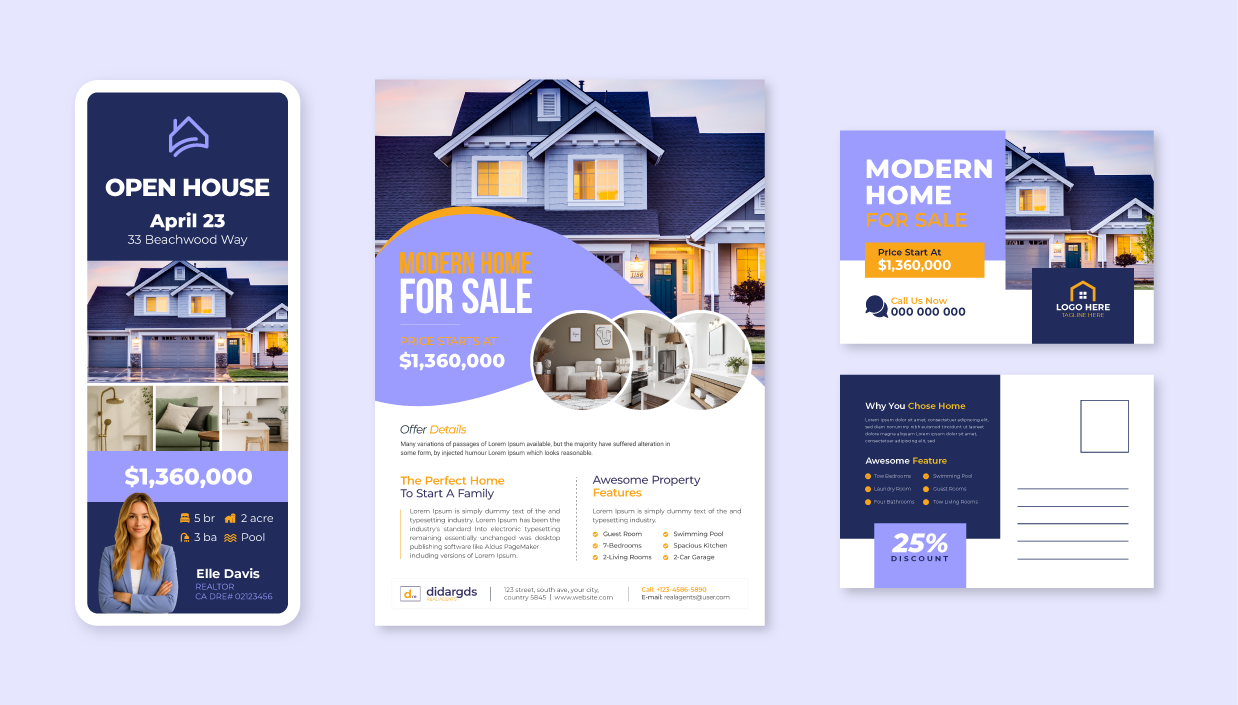
Product mockups give users a clear, accurate preview of their design on the final product—turning a hopeful “I think it’ll look good” into a confident “This is exactly what I want.” They speed up buying decisions with faster approvals at checkout, enhance the overall user experience, and help reduce printing errors, making the entire process seamless and more efficient.
Today, we’re exploring the different types of product mockups and how Design Huddle brings them to life, using native features and SDK integrations with third-party tools to provide the most realistic visuals.
Design Huddle offers a comprehensive suite of advanced mockup capabilities to meet a wide range of customer requirements. 2D static and interactive mockups are entirely native to the platform and highly effective for most use cases. For even more sophisticated visualization, Design Huddle supports SDK integrations with third-party tools such as Dynamic Mockups and Three.js, delivering both static and interactive 3D experiences.
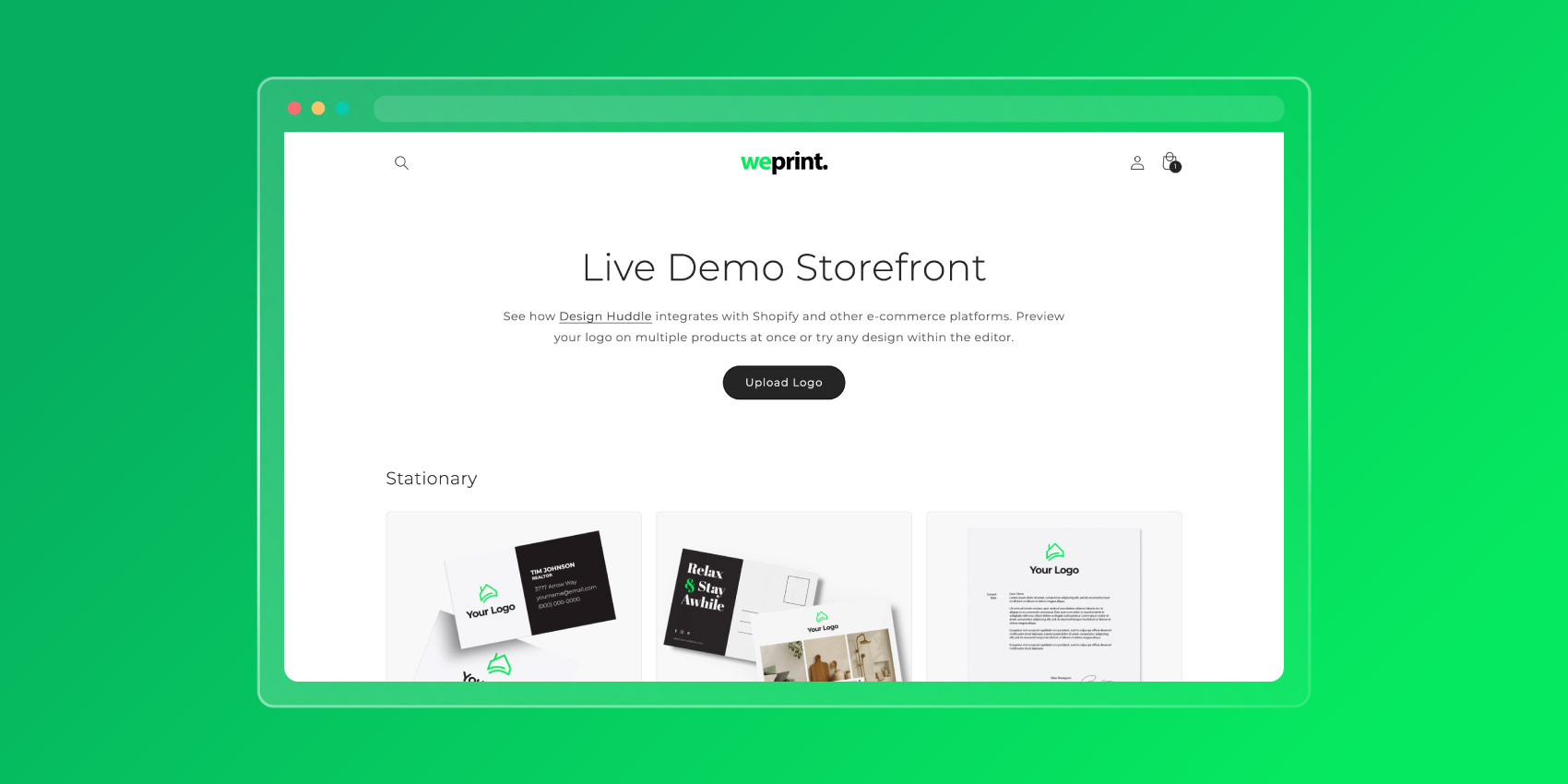

Admins can create mockup templates at scale for virtually any 2D mockup type (e.g., apparel, drinkware, office accessories, and more) and build dynamic sales catalogs featuring multiple personalized designs. Users can preview designs in static or interactive 2D formats, and unlock optional 3D previews through SDK integrations with third-party tools. Additionally, the editor allows users to create and customize print-ready designs directly on top of product images, providing an extra layer of flexibility when needed.
Before diving deeper, it’s helpful to clarify the differences between the mockup types.
Let’s break it down: customers value variety when it comes to visual mockups. There’s no one-size-fits-all solution—sometimes a 2D static mockup is the right choice, while other times a 3D interactive mockup makes more sense. Ultimately, deciding which mockup to use depends on the product itself, the user’s expectations, and the capabilities (or limitations) of your platform.
The terms "2D" and "3D" refer to the degree of dimensionality and realism in a product mockup. A 2D mockup typically presents a flat, front-facing view of a product from a single angle, making it well-suited for social content, product catalogs, and other marketing collateral. Alternatively, users can apply Design Huddle’s Skewing feature to simulate a 3D-style mockup within a 2D environment, enabling simpler and faster rendering pipelines. For a more immersive experience, a 3D mockup incorporates depth, lighting, curves, and shadows to produce photorealistic previews, ideal for products like packaging and apparel.
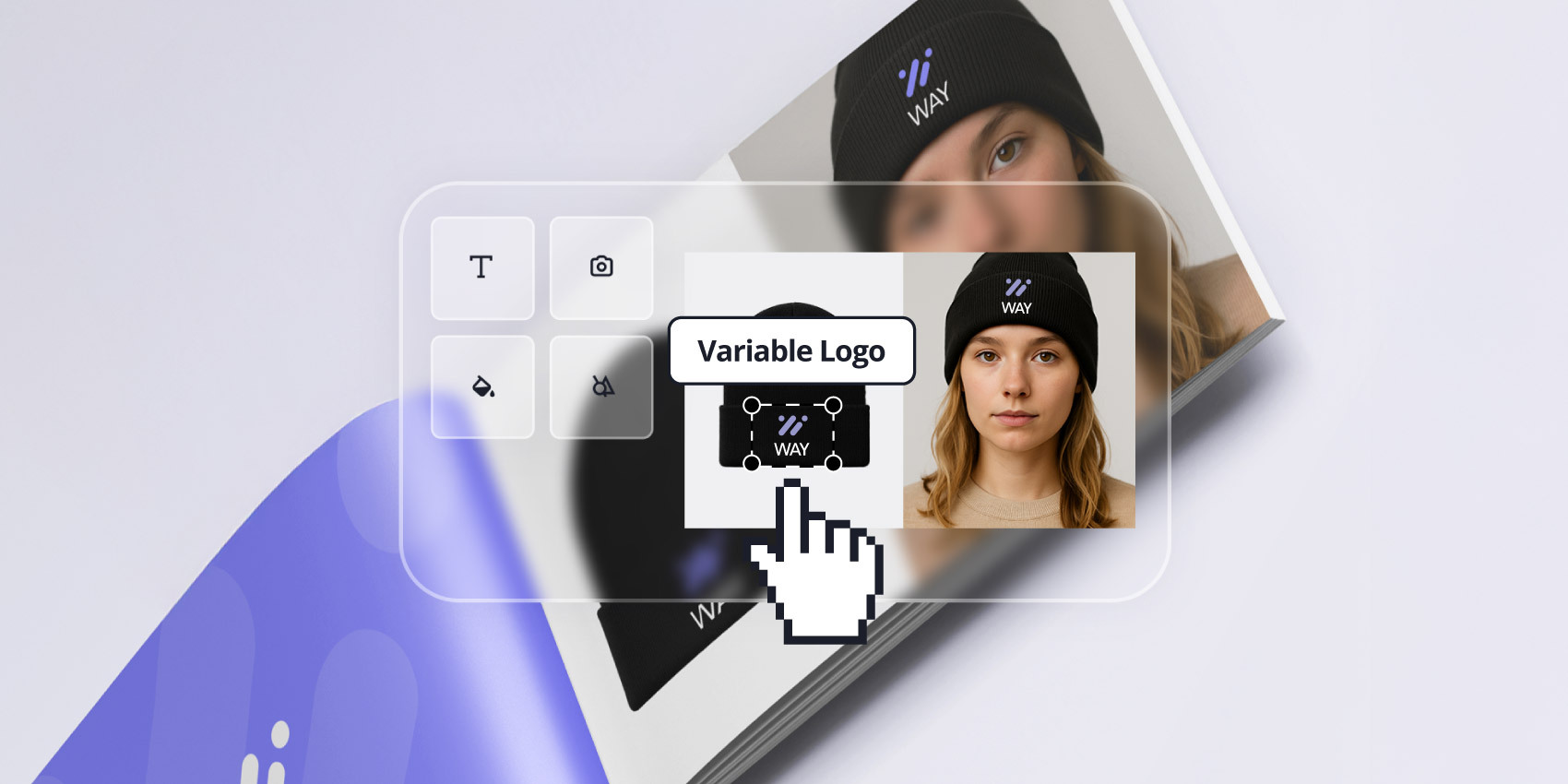
Static vs. interactive defines whether a product mockup is fixed or allows users to make updates. A static mockup is fixed, so users cannot customize colors, images, or text; they can only view the final rendering. A typical example is a branded notebook with a logo overlay on the cover. An interactive mockup, on the other hand, responds to user changes, enabling on-demand customization. For instance, a business card designer on a print website lets users edit text, logos, and colors while previewing updates in real-time.
3D interactive mockups unlock an additional layer of interactivity, allowing users to zoom, rotate, and view the product mockup from different angles. This functionality is typically powered by 3D interactive libraries, such as Three.js, which can be easily integrated with Design Huddle via an SDK.
| 2D Static | 2D Interactive |
|
Definition: A flat, front-facing product image that does not update based on user customizations.
|
Definition: A flat, front-facing visual that updates in real-time as users customize text, images, colors, and other design elements. |
|
3D Static |
3D Interactive |
|
Definition: A realistic Photoshop mockup that captures curves, dimensions, and perspective in a still image, without on-demand customization. These take slightly longer to render in automation routines.
|
Definition: A highly realistic product view that users can rotate and zoom, displaying curves, dimensions, shadows, and textures, with real-time updates based on user customizations. |
Design Huddle’s product mockups are built for scalability and ease of use, providing solutions for both internal users and customer-facing design portals. This enables our customers, including sales teams, to quickly create and send custom catalogs and presentations to prospects in just minutes. At the same time, promotional product companies leverage our SDK to integrate with Dynamic Mockups and Three.js to deliver lifelike 3D static and interactive mockups. These virtuals display designs on products such as apparel, water bottles, and hats, with accurate curves, dimensions, and rotation, creating a truly realistic visual effect.
"Hero of a product design experience. Simple for users to create high-quality digital designs that translate well into physical printed products.”
- Alex T., CTO
Here are three ways our product mockups make creating designs faster, easier, and more efficient than ever:
Visualize client designs on any product to accelerate sales cycles
Speed up the buying process with realistic mockups that reflect user customizations and expedite approvals. Logos and designs are overlaid on native 2D product images, with 3D product visualizations delivered via SDK integrations across items such as apparel, notebooks, stickers, and phone cases. This allows customers and stakeholders to accurately visualize products, approve proofs faster, and eliminate time-consuming back-and-forth with design teams.
Additionally, self-serve previews are available in customer portals or sales presentations.
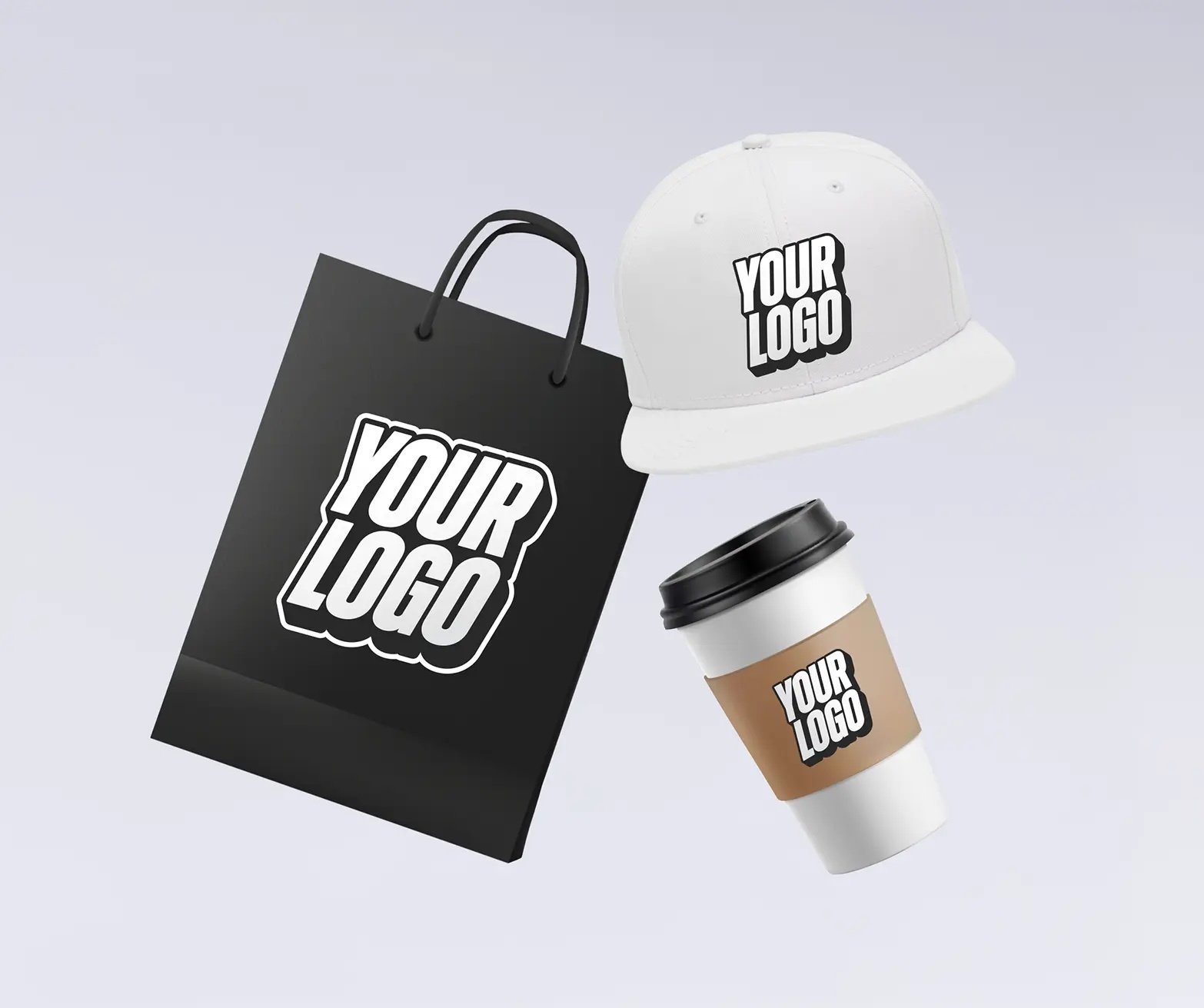
Click-to-customize tools enhance customer experiences and drive engagement
Boost buyer confidence in a design’s accuracy and visual appeal with realistic virtuals, while driving engagement through intuitive customization tools.
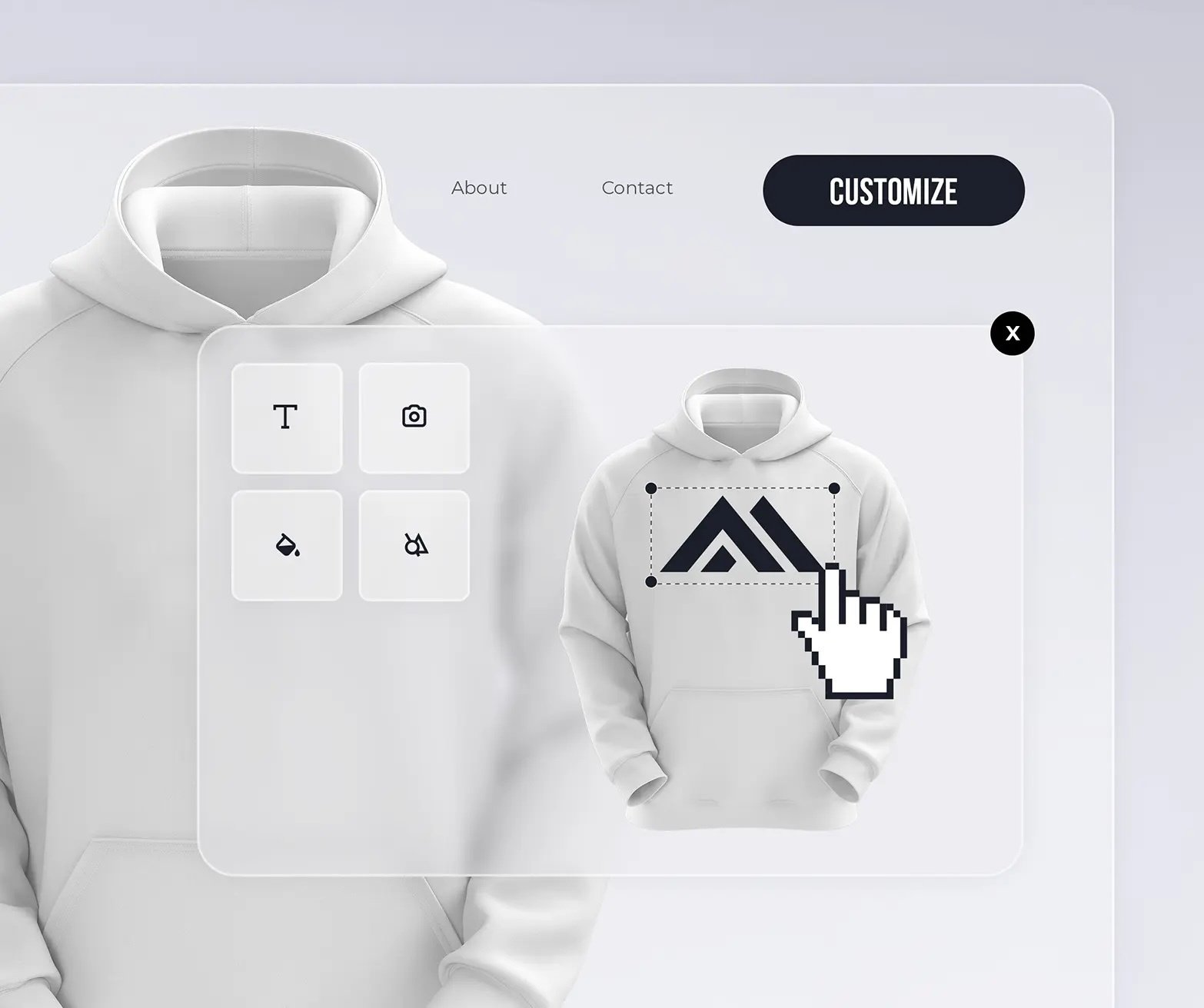
Embed the Design Huddle Editor so users can click-to-customize designs—swap colors, update text, or reposition logos—directly on your website. Plus, generate print-ready files with CMYK and spot color support to reduce proofing delays.
Automation fuels efficiencies for sales presentations and catalog creation
Create stunning 2D sales presentations and branded catalogs with automation. Our PDF Import tool lets customers easily bring in catalog designs, while product feeds can be pushed into Design Huddle’s API to fuel dynamic, real-time content. Users can tag dynamic logo zones on products to automate personalization and generate 2D mockups instantly. The result: branded catalogs as printable PDFs or shareable digital slides, complete with built-in analytics to track views and engagement.
Bring your products to life with 2D virtuals using Design Huddle’s native tools, and expand into 3D experiences through optional SDK integrations for realistic previews that drive faster sales. We’re ready to chat—get in touch with our team here.
January 23, 2026